Holiver Idle Demo
The Demo is the full game in my current development state, but locked to lvl 30. Steam page is live, but still a lot of work to do before release! Please drop it a Wishlist if you like it, that helps me out massively! https://store.steampowered.com/app/5250710/Holiver_Idle/
I noticed some issues with the web build while working on it, but fixed them. (And had to adjust some graphics for it, most notably in the warfare tab for enemy difficulty bars, I don't love it, but web builds don't have the text characters I used to build them so. It is what it is for now) If you notice anything please let me know!
A Different Take On Idle Games
Have you played all the mainstream idle games out there? So have I, which is why I made Holiver Idle. I found myself wanting more than just number go up, I wanted to do more than just one thing at a time. I wanted some real depth!
What Is it?
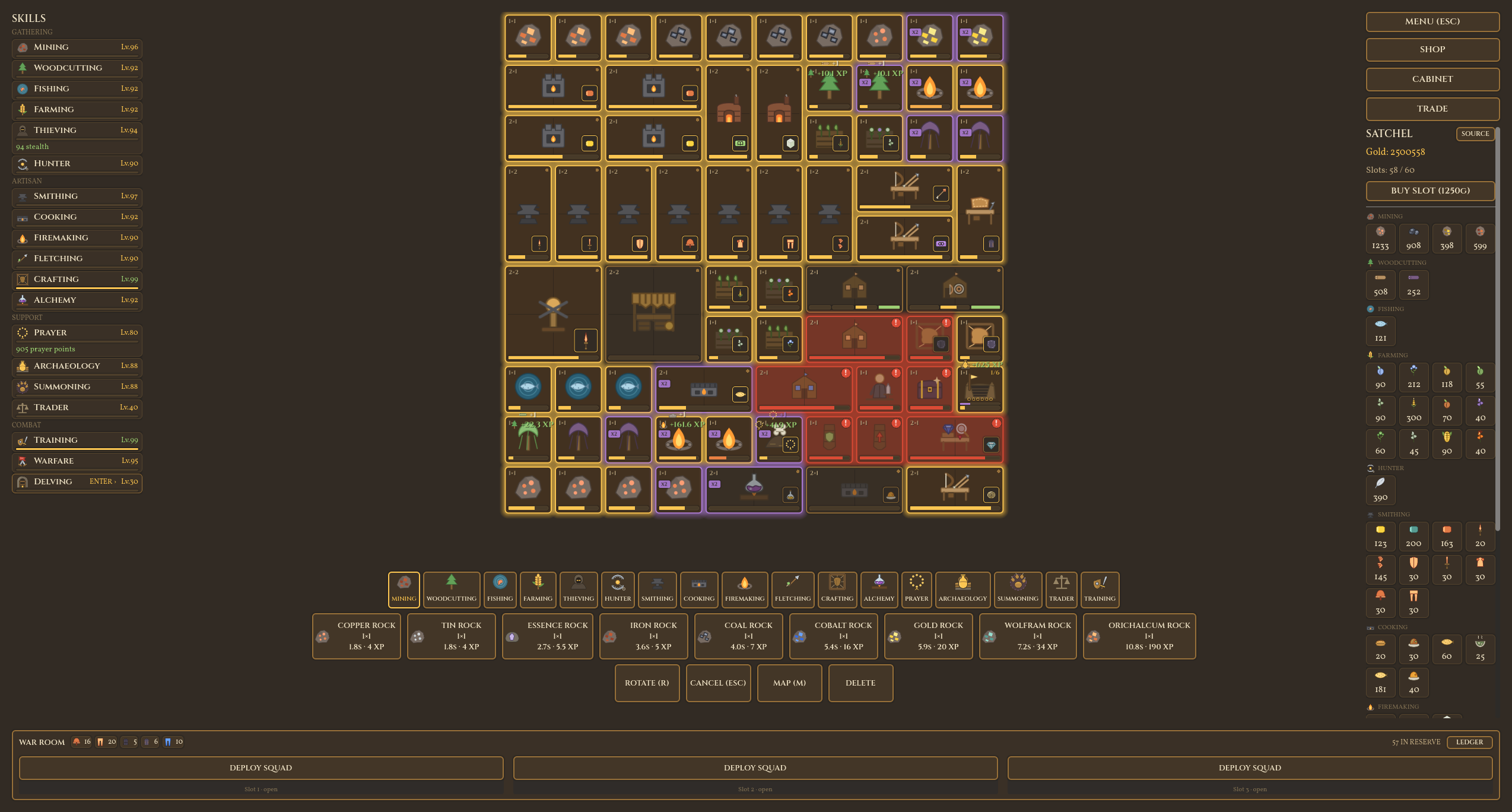
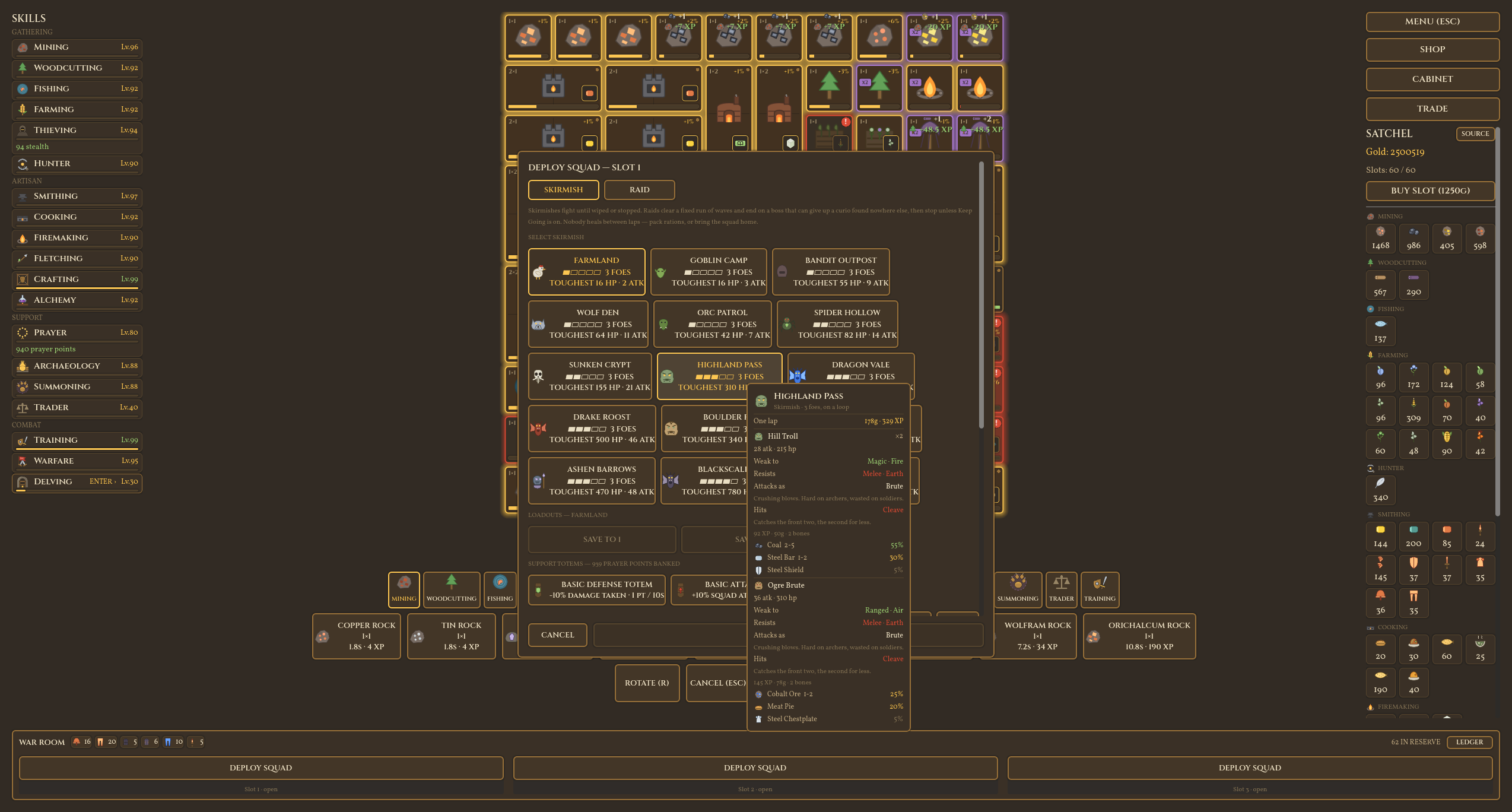
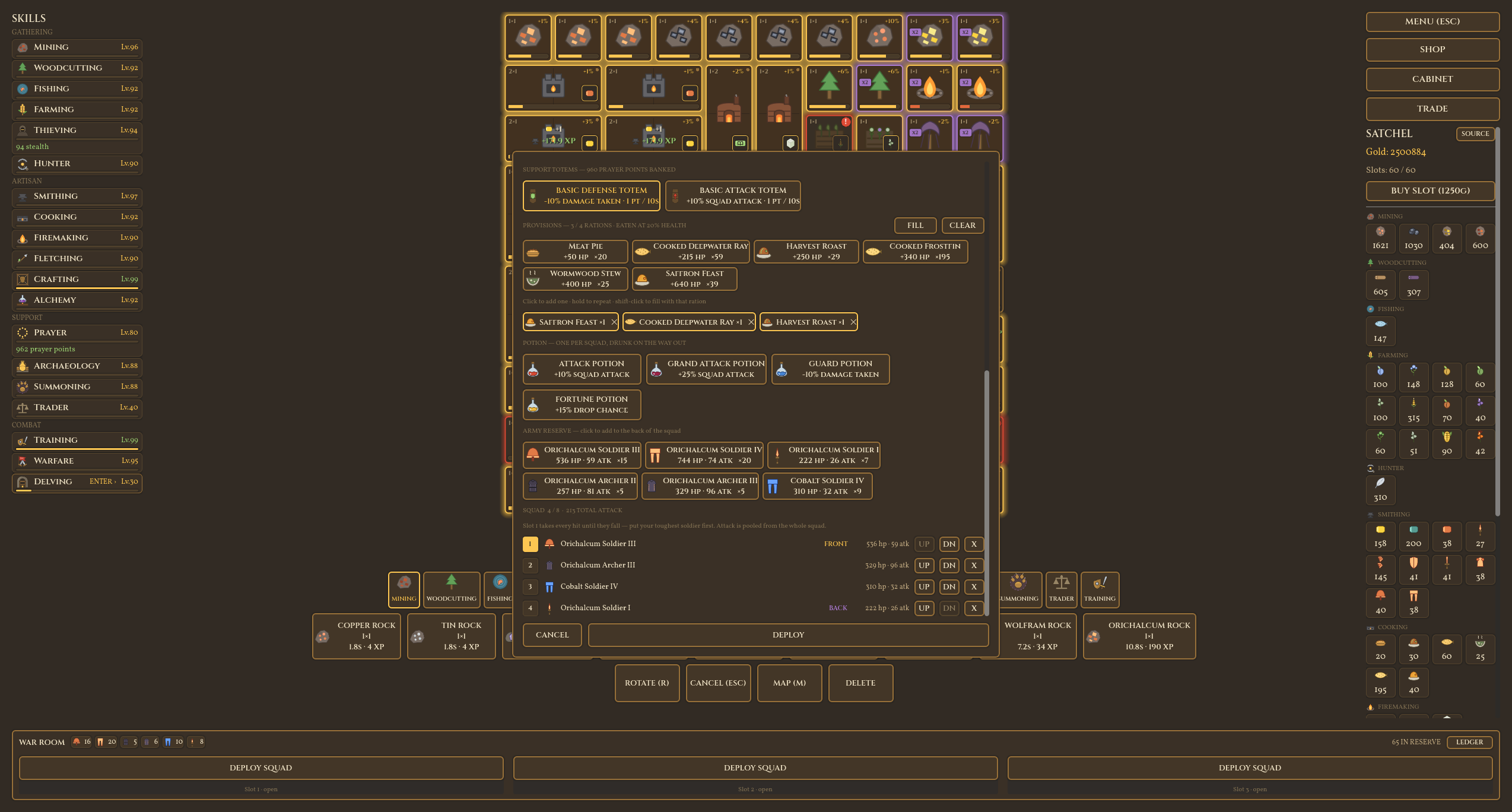
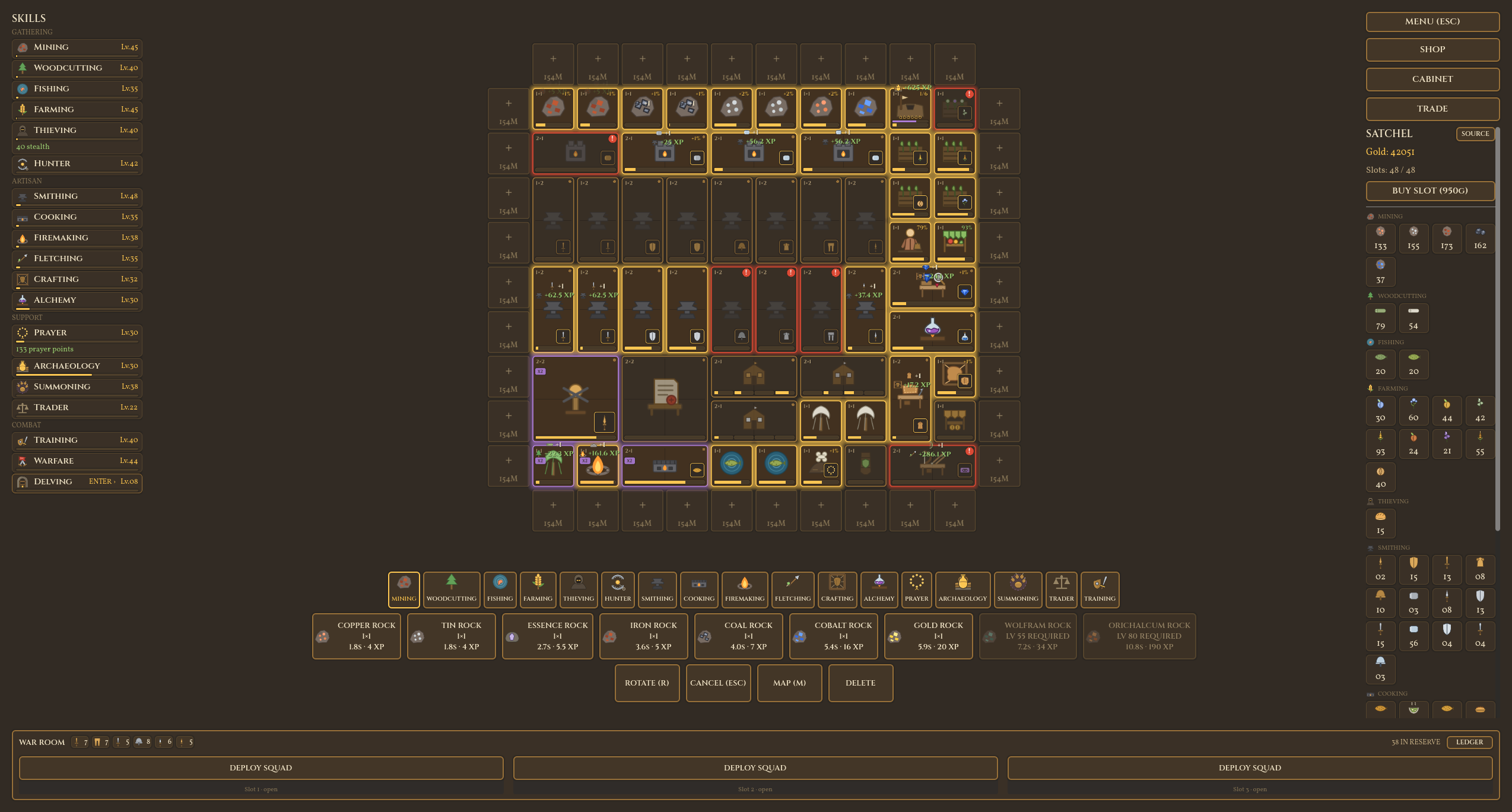
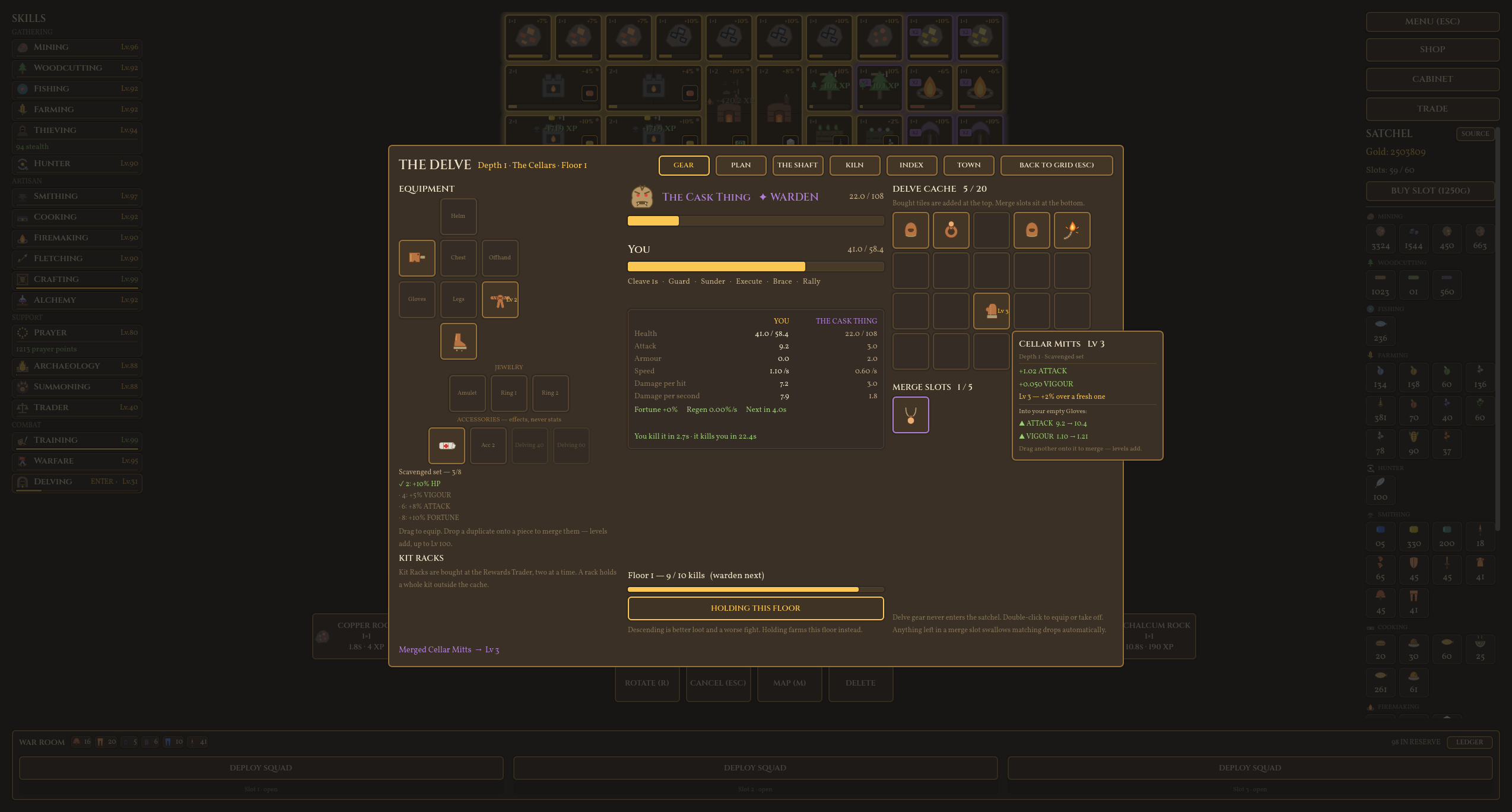
Holiver Idle is a grid based idle RPG that takes inspiration from several games and MMOs. Instead of being locked into one action at a time or just watching a number go up (Although the numbers do go up!) you fill the grid with buildings that do various things. Mining nodes to collect ore, furnaces to smelt it, anvils to make weapons and training posts to create soldiers you send into battle. Buildings are free to create and remove, they are more of representation of an action that you would do in an MMO or similar games, just you can mine, smith, fight, chop wood, fish, cook and much more at the same time!
Comments
Log in with itch.io to leave a comment.
Text is so small that it's virtually impossible to read, and I couldn't find any way to increase the UI scaling in options.
Thanks for the feedback, that has been a common one. The next demo update I push that will be part of it!
Fantastic! Ping me when that's out so I can actually try it out. XD
so what exactly is the difference between training grounds/training post, and firepit/brazier? For the first two is it literally just footprint? Makes the training grounds feel like a downgrade. as for the second two there doesn't even seem to be that difference. Fun concept though.
Thanks for the feedback! So, my thoughts on it were grid tiles are precious, so if a player wanted to train soldiers, but not use up a 2x2 space, they could still train them at the smaller 1x1, at a slower rate. So yeah, it's really just footprint, maybe you wanted to do other things with those 3 tiles. But like you do get a speed bonus for the 2x2, I think it was like 18% faster than 4 1x1s for committing to the larger footprint.
For firepit/brazier, I was playing with the idea of buff patterns. So firepit is up, down, left and right buffs. Brazier is like the 4 diagonal corners around it and not the 4 directly touching it, like the firepit. So you could have layouts that this makes sense to do, and you may not. I just wanted to give players the options to play around with the patterns if desired.
ah, that all makes sense thank you. I didn't see anything in the description and I guess I didn't have enough space to really see any of the affects side by side.
Yeah not your fault, the game doesn't explain it clearly, that is on me. Next patch I will figure out a way to explain it better!
Hello! I gave it a look... very interesting game, very interesting concept, I feel huge potential here.
It seems massively buggy for me though. Controls activate about two inches above my cursor, I can't see half the grid because the button section is permanently over it, and I don't know if the tutorial is supposed to be helping me understand anything, because I don't feel tutorialised :P
Might be because I'm on linux? Either way I'll come back in a while and test again :)
Good feedback! So, you being on Linux shouldn't be an issue with the web build, so it has to be some other stuff going on that I will look into. At least, it shouldn't be anything Linux related...And good feedback about the tutorial, and the camera/controls. You are actually able to zoom in and out via the mouse wheel when hovering over the grid, as well as move the grid camera around with WASD or right click and drag. I don't cover that in the tutorial, that REALLY needs to be covered. As for the build section showing over the grid, yeah, this game 100% benefits from a large monitor. I personally have a 2k monitor (2560 × 1440) and had the game target 1080p (1920x1080), and at 1080p, you have to move the camera around a bit to see things when the grid gets bigger, but you shouldn't have issues anywhere near the start.
Hopefully that can help you some, but I 100% have some work to do! Thanks for the feedback!